A few weeks ago I wrote about my fork of BloodHound Legacy that reads BloodHound CE data - Legacy's readable big-graph layout, with everything CE collects. CE and its collectors keep moving, so version 1.1.2 catches the fork up with data from BloodHound CE 9.8, AzureHound v3.1 and SharpHound v2.17.
Here's what changed.
New Edges and Edge Filtering Sections
Every CE edge in the fork has a Help panel: right-click the edge and choose Help for an Info tab and a Refs tab that links to the official BloodHound documentation. 1.1.2 adds Help panels for the edges the latest collectors produce, and two new sections in Edge Filtering - NTLM Relay and Entra ID (CE) - so they can be switched on and off like everything else.
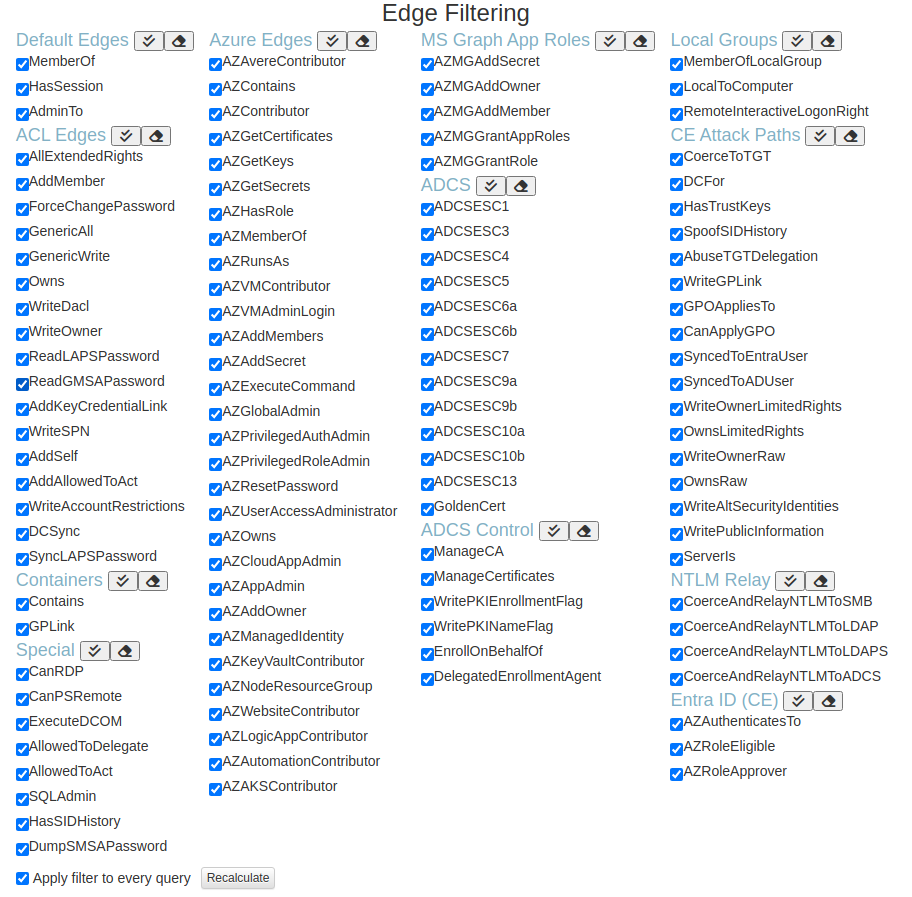
The new edges, by Edge Filtering section. Each links to its page in the BloodHound documentation, which covers what it means and how to remediate it:
| Section | Edges |
|---|---|
| NTLM Relay | CoerceAndRelayNTLMToSMB, CoerceAndRelayNTLMToLDAP, CoerceAndRelayNTLMToLDAPS, CoerceAndRelayNTLMToADCS |
| Entra ID (CE) | AZAuthenticatesTo, AZRoleEligible, AZRoleApprover |
| CE Attack Paths | WriteAltSecurityIdentities, WritePublicInformation, ServerIs |
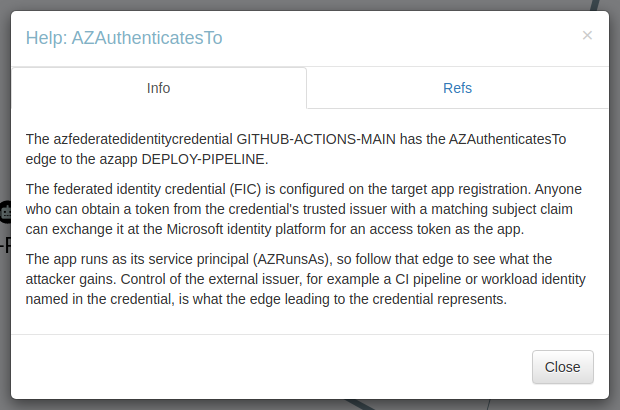
CE's AZKeyVaultContributor edge is also recognised now. It opens the same Key Vault Contributor Help panel as Legacy's AZKeyVaultKVContributor, and the Key Vault Node Info controller counts include it.
Pathfinding Follows Every Edge in the Database
This is the fix I'd call the most important, because the old behaviour failed silently.
Pathfinding and the prebuilt queries that use the edge filter only followed edge types the app already knew about. A new edge type - one this build had no Edge Filtering row for - was skipped until a graph containing it had been drawn. So a path through, say, AZAuthenticatesTo simply didn't appear in shortest-path results, and nothing told you it was missing.
In 1.1.2, every edge type in the database is added to the edge filter (enabled) when you connect and again after each upload. Pathfinding now sees the whole graph, including edge types from collector versions newer than the app.
Tier Zero Nodes Keep Their Icon
CE adds labels such as Tag_Tier_Zero and Tag_Owned to nodes. When one of those labels came back first, the fork read it as the node's kind - so some Tier Zero nodes drew as a plain black circle and opened a generic Node Info panel. That's the worst possible place for a display bug.
A single shared helper now works out a node's kind and ignores CE's Tag_* labels, and the graph, search, the Add Edge dialog and the CE Properties panel all use it. Tier Zero nodes show their normal icon and panel again.
Federated Identity Credential Panel
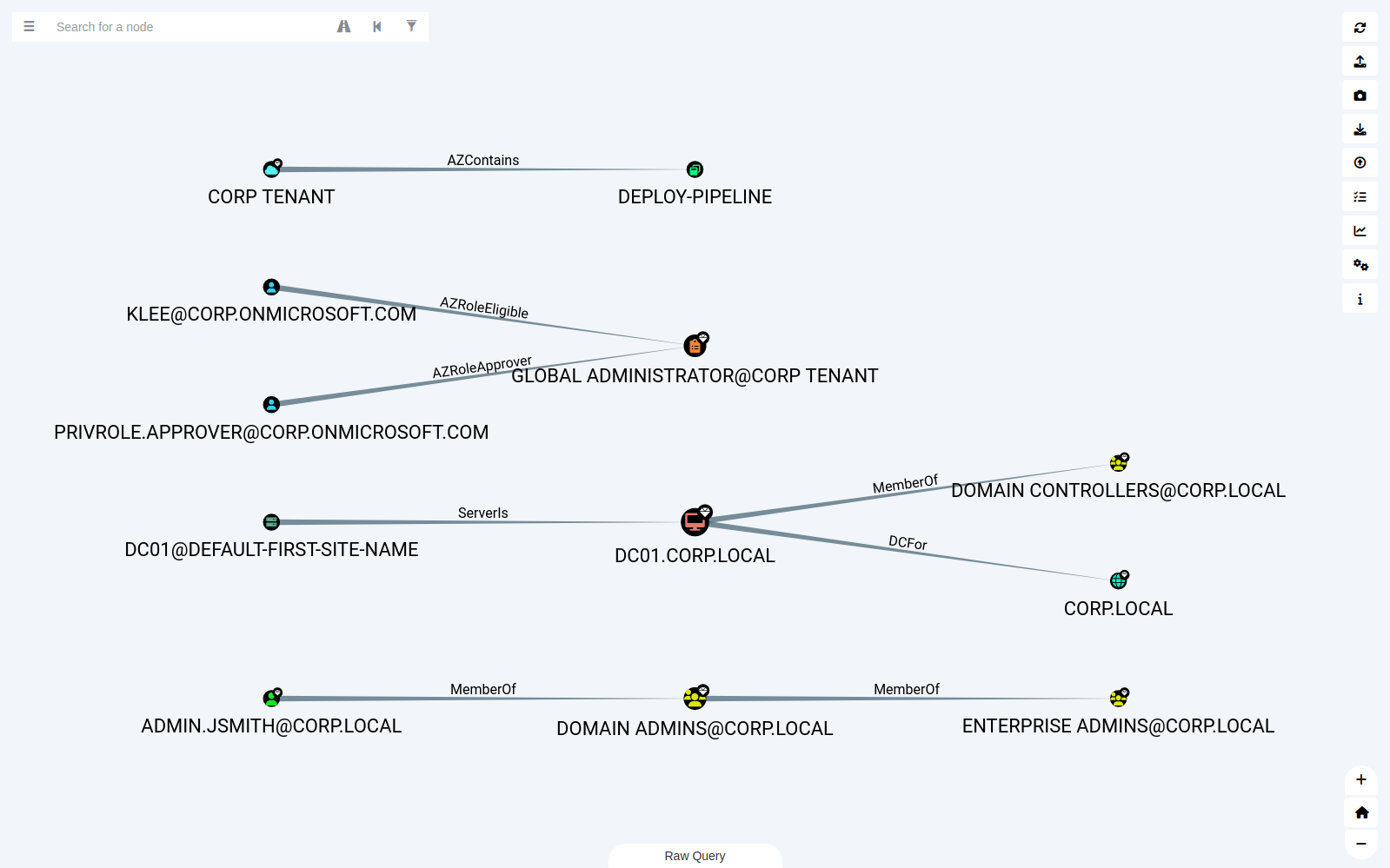
AZFederatedIdentityCredential nodes now have their own Node Info panel instead of the generic one. It shows:
- The credential's issuer, subject and audiences
- The app registration the credential signs in as
- That app's service principal
Federated credentials let an external identity - a CI pipeline, a workload in another cloud - sign in as an app without a secret, so seeing exactly which issuer and subject are trusted, right in the panel, makes them much easier to review.
AD Sites Icons
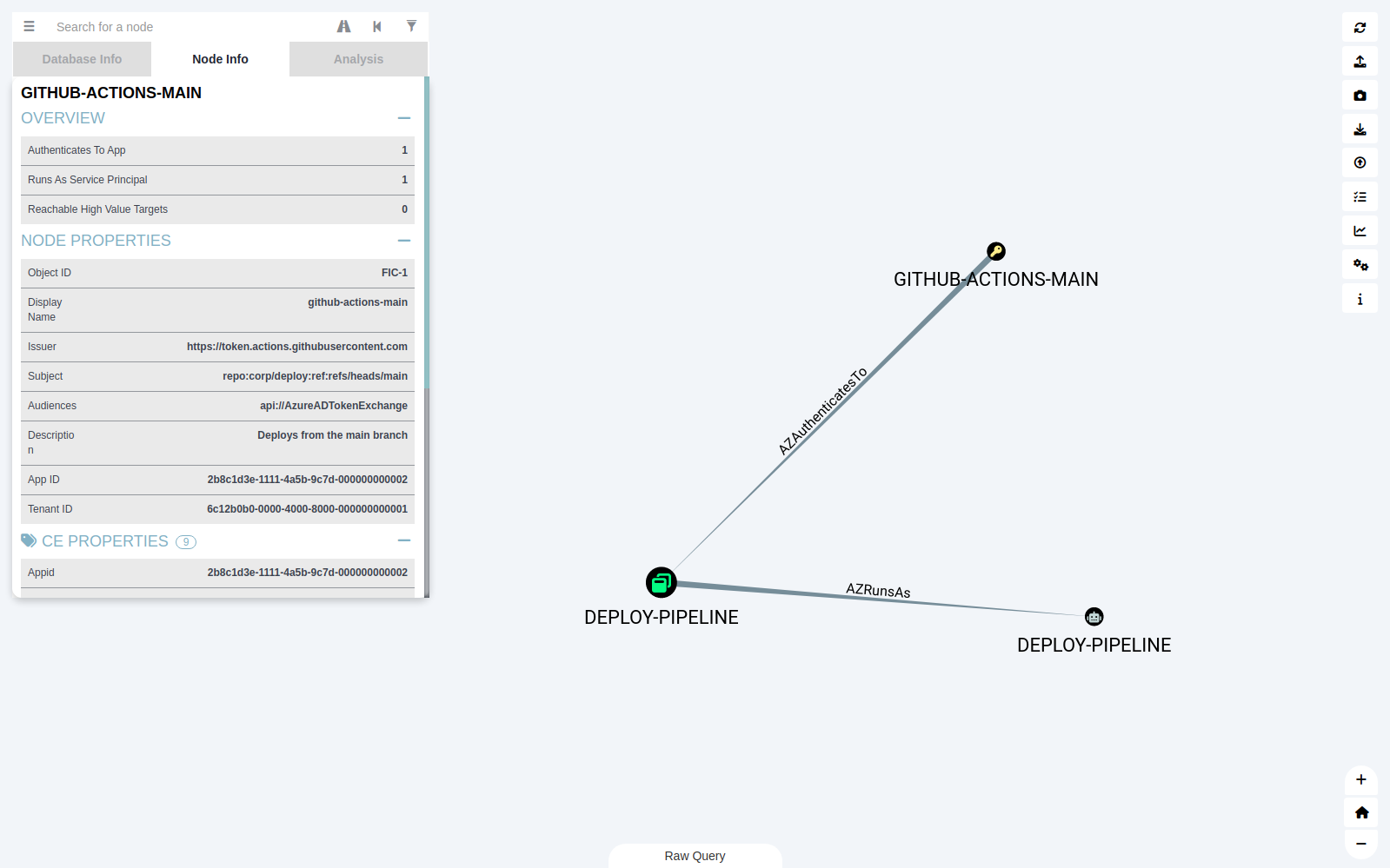
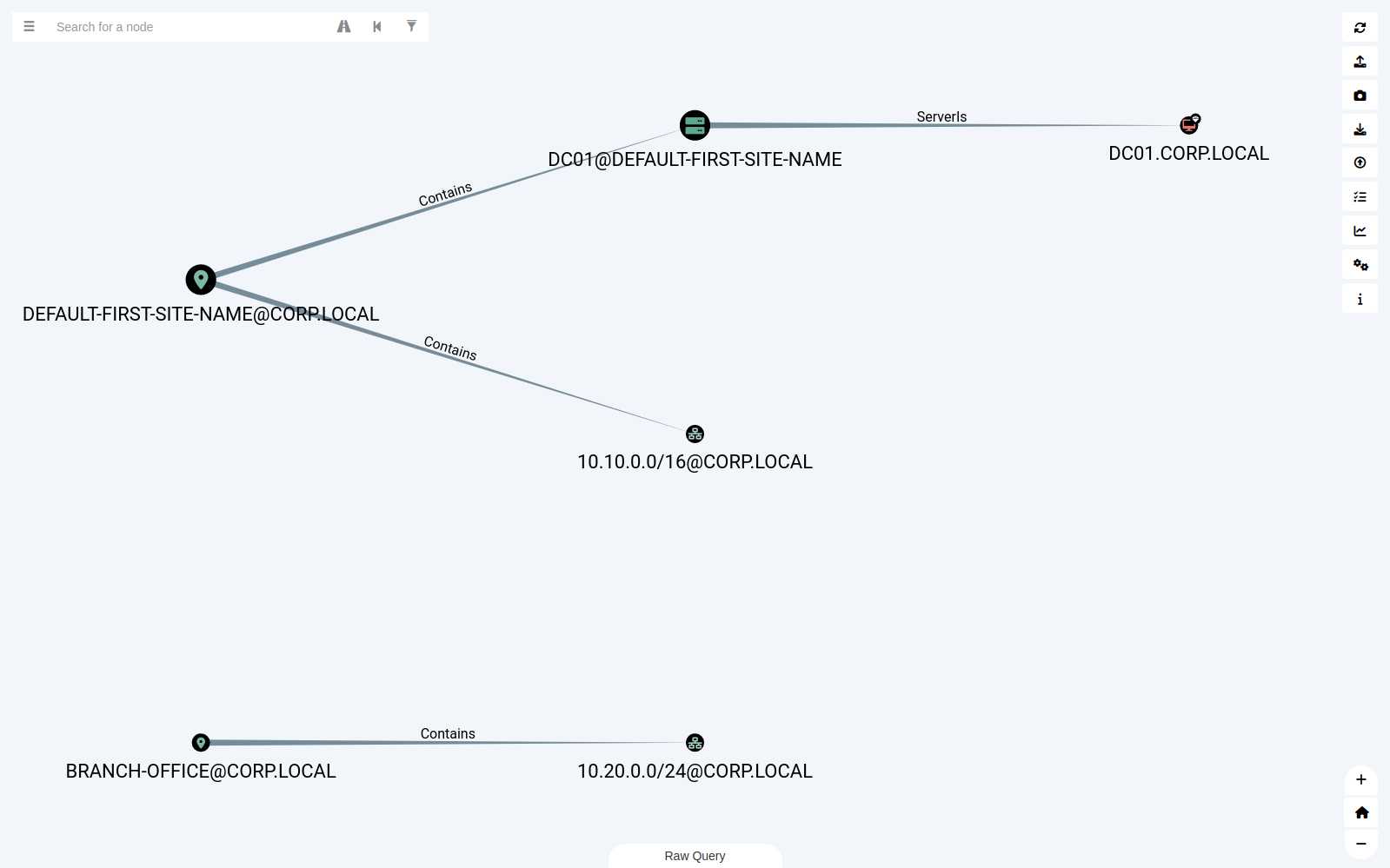
SharpHound v2.17 collects Active Directory sites. Site, SiteServer and SiteSubnet nodes now get icons instead of blank question marks.
Documentation Links Fixed
About 20 of the Refs links in the CE edge Help panels pointed at BloodHound documentation pages that no longer exist - the docs site moved to hyphenated page names. They all open the right page now, and each corrected link was checked. The only exceptions are ESC5 and ESC7, which don't have a page on the docs site.
Smaller Fixes
- Misspelled default edge-filter entry:
AZLogicAppContributois corrected, and the bad entry is removed from existing settings automatically. - Release notes: each release now publishes its notes from the repository, so the GitHub release page always describes what changed.
- Upstream CLA check removed: SpecterOps' contributor licence check failed on every pull request in this fork, so it's gone.
Getting It
Download the zip for your platform from the latest release on GitHub - there are builds for Windows (x64, 32-bit and ARM), macOS (Apple Silicon and Intel) and Linux (x64, ARM64 and 32-bit ARM). Unzip and run it; it connects to Neo4j 4.4, the database BloodHound CE uses.
First launch: the builds aren't code-signed, so your OS will warn you the first time. On Windows, SmartScreen shows "Windows protected your PC" - click More info, then Run anyway. On macOS, right-click the app and choose Open, then Open again.
Your settings and custom queries live in the app's user data folder, so replacing an existing install keeps them.
The full list of changes is in the pull request. As before, this fork is maintained separately and isn't affiliated with or supported by SpecterOps - if something renders wrong against your data, open an issue.